Can Businesses Delete Google Reviews? The Truth & Workarounds
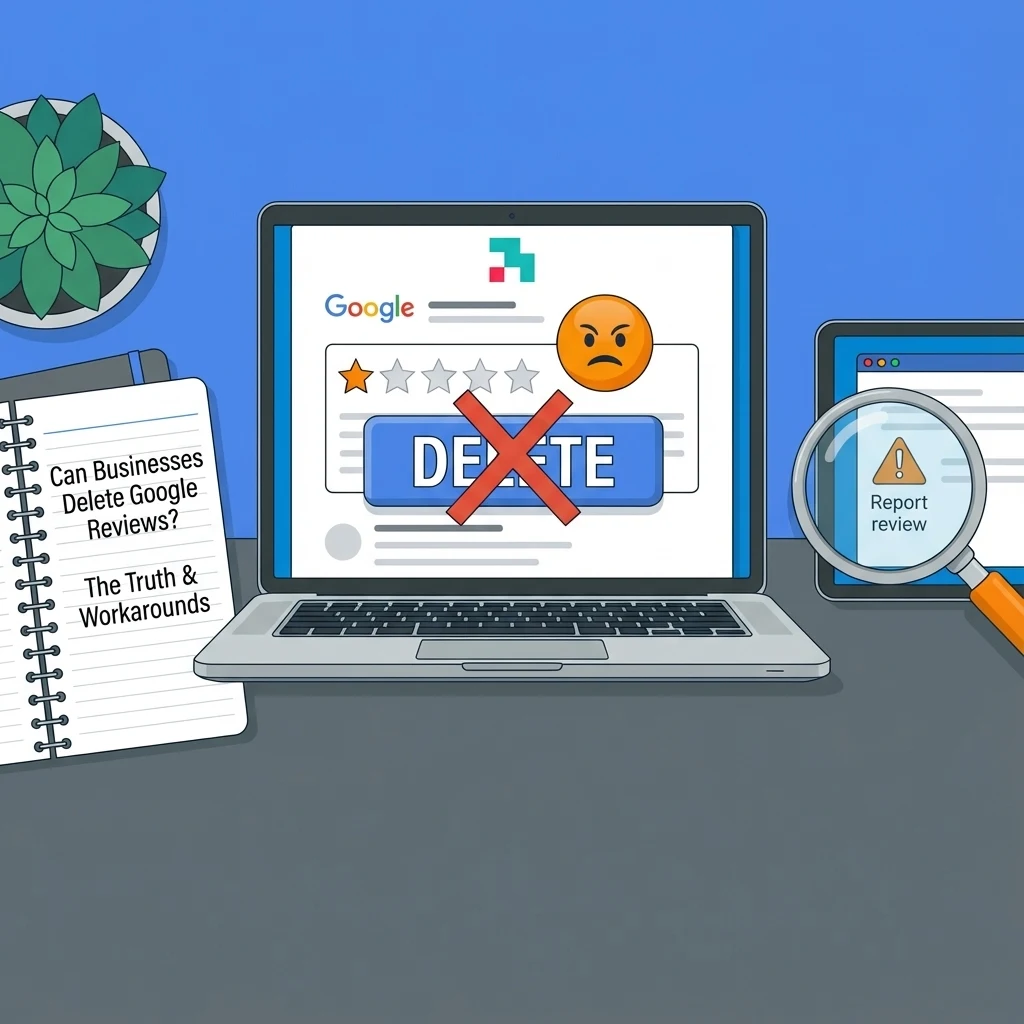
It is a sinking feeling every business owner knows. You check your notifications and see a 1-star rating. It sits there, ugly and prominent, dragging down your average. You ask yourself Can Businesses Delete Google Reviews?
Your first instinct is likely to find the “delete” button and scrub it from existence. But if you have looked for that button, you already know the answer: it does not exist.
While you cannot simply wipe away negative feedback on your own, you are not powerless. There are specific ways to get illegitimate content removed and effective strategies to handle the honest criticism.
This guide breaks down exactly what you can do, what is legally allowed, and how to protect your brand’s reputation.
For a deep dive into building a 5-star presence, read our pillar page: Google Review Management: The Complete Guide for Your Brand (2026)
Table of Contents
The Short Answer: Can a Business Remove a Google Review?
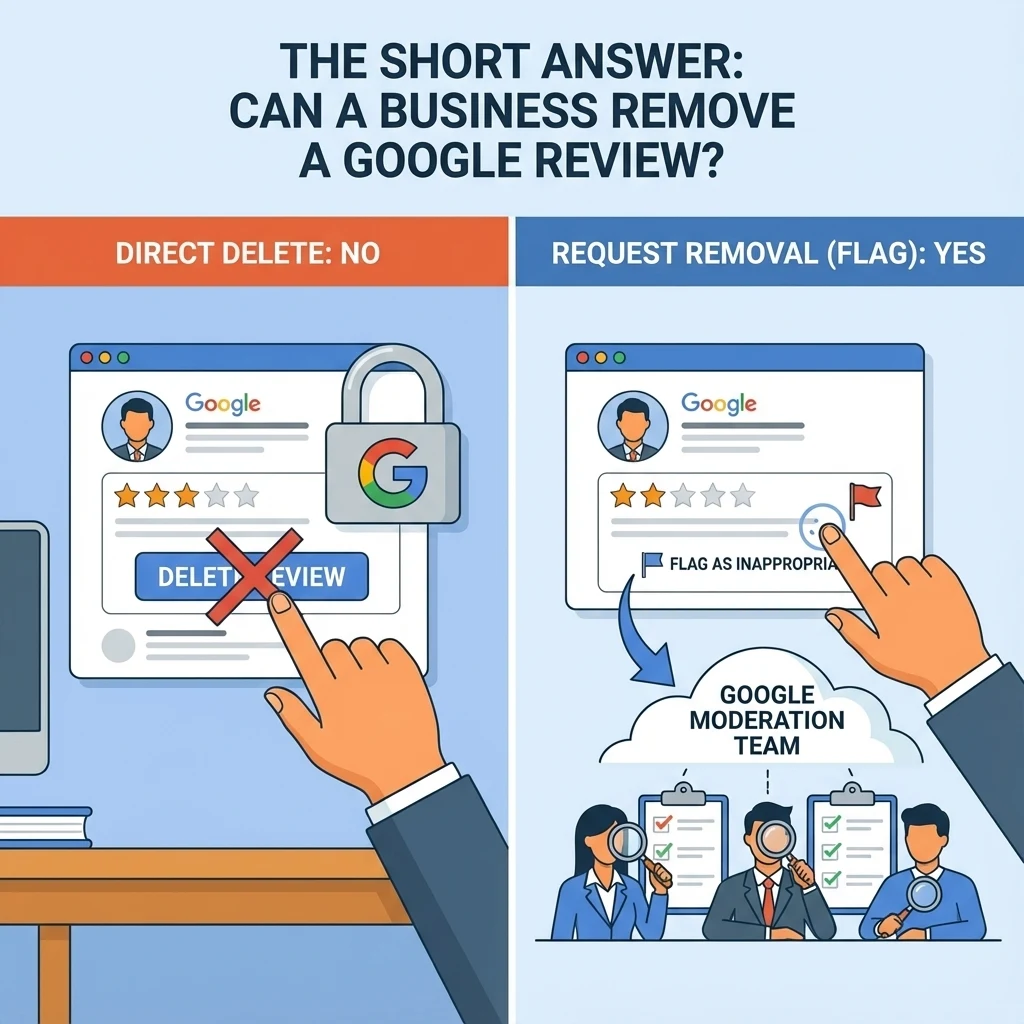
No, businesses cannot directly delete Google reviews from their profile.
Google operates as a third-party review platform. To maintain trust with users, they prevent business owners from curating their own feedback.
If owners could remove any comment they disliked, the rating system would be meaningless.
However, there is a major difference between deleting a review (which you can’t do) and requesting removal (which you can do).
If a review violates Google’s strict content policies, you can flag it, and Google’s moderation team may take it down.
The Exception: When Google Will Delete a Review for You
Google wants to keep its platform helpful and honest. They will remove content that undermines this goal. If you receive a review that falls into one of their “prohibited” categories, you have a strong case for removal.
Common violations that Google will delete include:
- Conflict of Interest: Reviews from current or former employees (positive or negative) are not allowed.
- Spam and Fake Content: Reviews unrelated to an actual customer experience, or those generated by bots.
- Competitor Attacks: A negative review left by a rival business to lower your score.
- Hate Speech: Content containing profanity, slurs, or harassment.
If you suspect a review is fake or malicious, do not respond to it immediately. Instead, focus on gathering evidence to prove it violates policy.
(Learn more about identifying these attacks in our guide on how to remove fake Google reviews)
How to “Flag” a Review for Removal
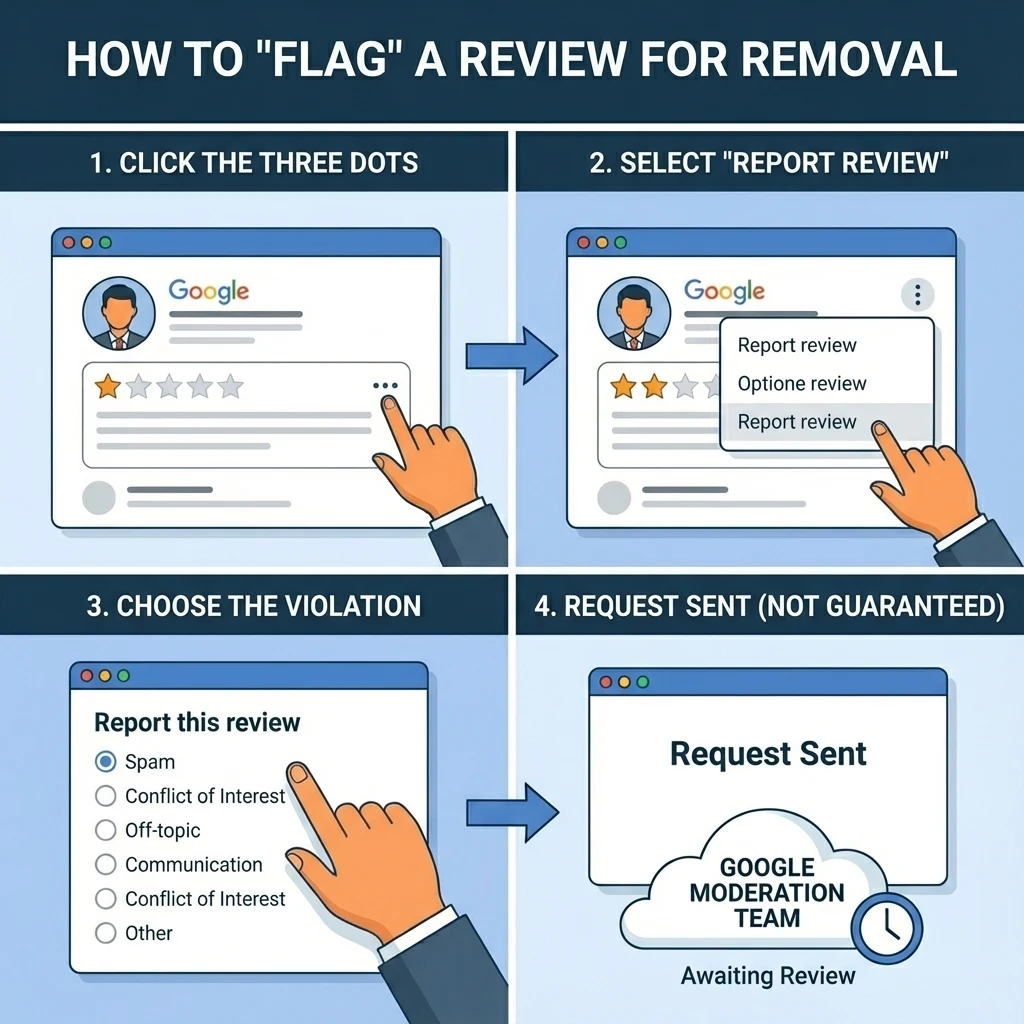
If you find a review that breaks the rules mentioned above, you can alert Google. This process is called “flagging.”
- Log into your Google Business Profile.
- Navigate to your reviews section.
- Find the offending review and click the three dots next to it.
- Select “Report review.”
- Choose the specific policy violation that applies (e.g., “Spam” or “Conflict of Interest”).
Important: This is a request, not a guarantee. You must be able to prove the violation. Google will not remove a review simply because it is negative or because you disagree with the customer’s opinion.
Looking For Google Reviews? Claim your Discount Below
 8,492 people used this service in the past 7 days

Workarounds: What to Do When You Can’t Delete It
Most negative reviews are not fake; they are just unhappy customers. Google will not remove these, even if you think the customer is being unreasonable. When you cannot delete, you must manage.
1. Respond Professionally
Ignoring a bad review tells potential customers that you do not care. Responding well proves the opposite.
A calm, polite, and helpful response can often neutralize the damage. It shows future customers that you are proactive and reasonable.
(See our templates on how to respond to negative Google reviews)
2. The “Bury” Method
The best solution to pollution is dilution. One bad review looks terrible if you only have five reviews total. It matters much less if you have 500 positive ones surrounding it.
Your goal should be to push the negative feedback off the front page by generating a steady stream of fresh, positive content. Actively asking happy customers for feedback is the most sustainable way to fix your rating.
If you need to repair your score quickly, some businesses choose to accelerate this process. You can explore options to buy Google reviews to help balance your rating and restore trust faster.
Is It Illegal to Delete Bad Reviews? (The Legal Side)
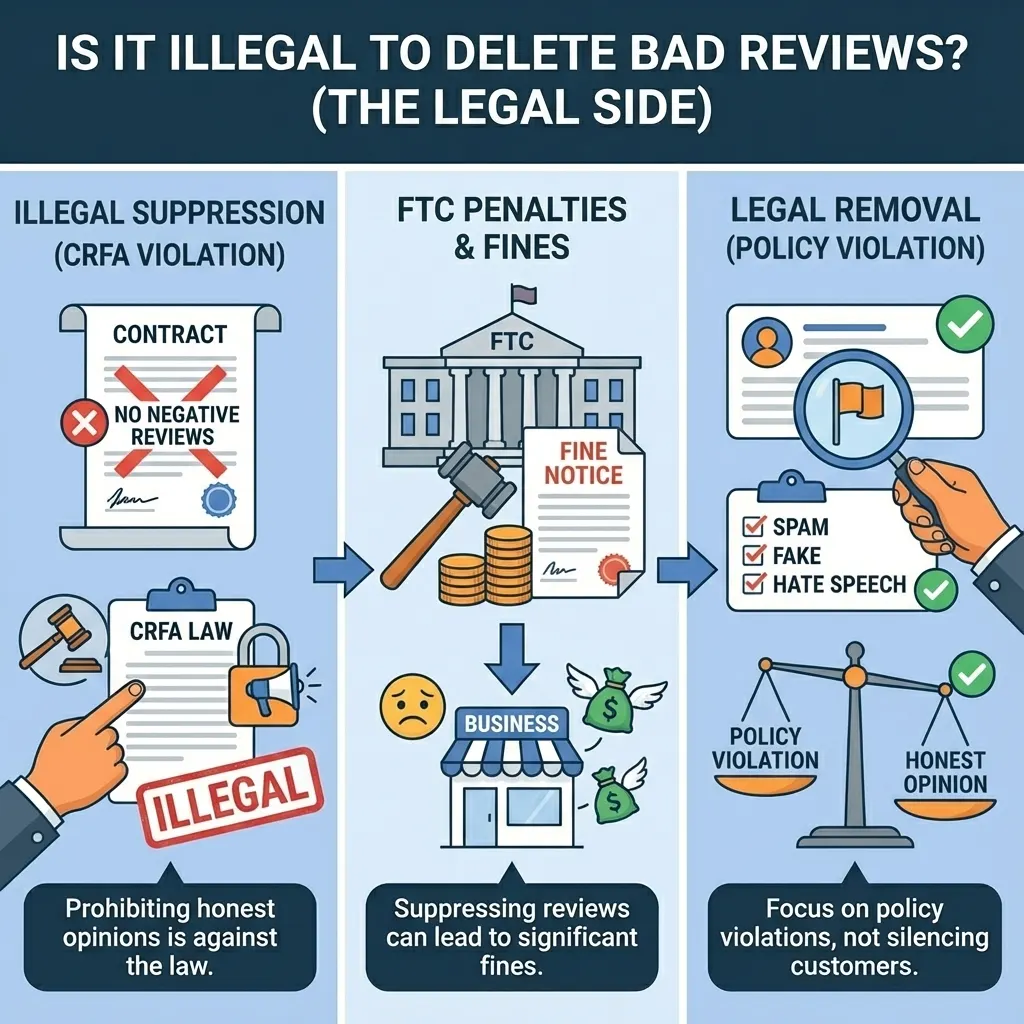
Beyond Google’s policies, there are actual laws regarding review management.
The Consumer Review Fairness Act (CRFA) protects the ability of consumers to share their honest opinions about a business’s products, services, or conduct in any forum, including social media and review websites.
It is illegal for a company to use contracts or Terms and Conditions that prohibit customers from leaving negative reviews. Furthermore, suppressing honest reviews or “gatekeeping” (only allowing happy customers to post) can lead to significant fines from the FTC.
Always focus on removal based on legitimate policy violations rather than trying to silence unhappy customers.
(Source: Federal Trade Commission – Consumer Review Fairness Act)
Conclusion
While you cannot click a simple button to delete a bad review, you are not helpless. By understanding Google’s policies, you can successfully remove spam and fake attacks. For everything else, the strategy is simple: drown out the noise with positive feedback.
A single 1-star review will not ruin your business, but how you handle it might. Focus on getting more 5-star ratings, and the occasional negative comment will eventually disappear into the background.
Frequently Asked Questions
Can businesses delete your review on Google?
No, a business cannot delete a review you wrote. Only the person who wrote the review or Google’s moderation team can delete it.
Do Google reviews get deleted?
Yes, reviews are deleted if they violate Google’s content policies. This includes spam, fake engagement, hate speech, or off-topic content. Google’s automated filters may also remove reviews that appear suspicious.
Is it illegal for a company to delete bad reviews?
Technically, a company cannot “delete” them from Google, but attempting to suppress honest reviews or threatening customers who leave them violates the Consumer Review Fairness Act and can result in federal fines.
How to get unfair Google reviews removed?
If a review is unfair because it violates a policy (like a fake review from a competitor), you should use the “Report review” tool in your Google Business Profile dashboard. If the review is real but you feel it is unfair, your best option is to post a professional public response.