Guide to Google Posts for Your Business Profile: 7 Best Tips + Examples
If you want more customers, more visibility, and more Google reviews, one of the easiest tools you can use is Google Posts.
These short updates appear right on your Google Business Profile, and they help you connect with customers the moment they find you on Search or Maps.
Many businesses don’t fully use this feature, but those that do see higher engagement, stronger rankings, and faster customer decisions.
In 2026, Google Posts are even more important because Google prioritizes fresh, active profiles when determining which companies to rank higher.
Whether you’re promoting an offer, sharing news, highlighting a new product, or inviting people to an event, Google Posts help you stand out.
This guide explains what Google Posts are, how they work, what to post, and how to write engaging updates that improve your and overall business visibility.
Table of Contents
What Is A Google Post for Google My Business?
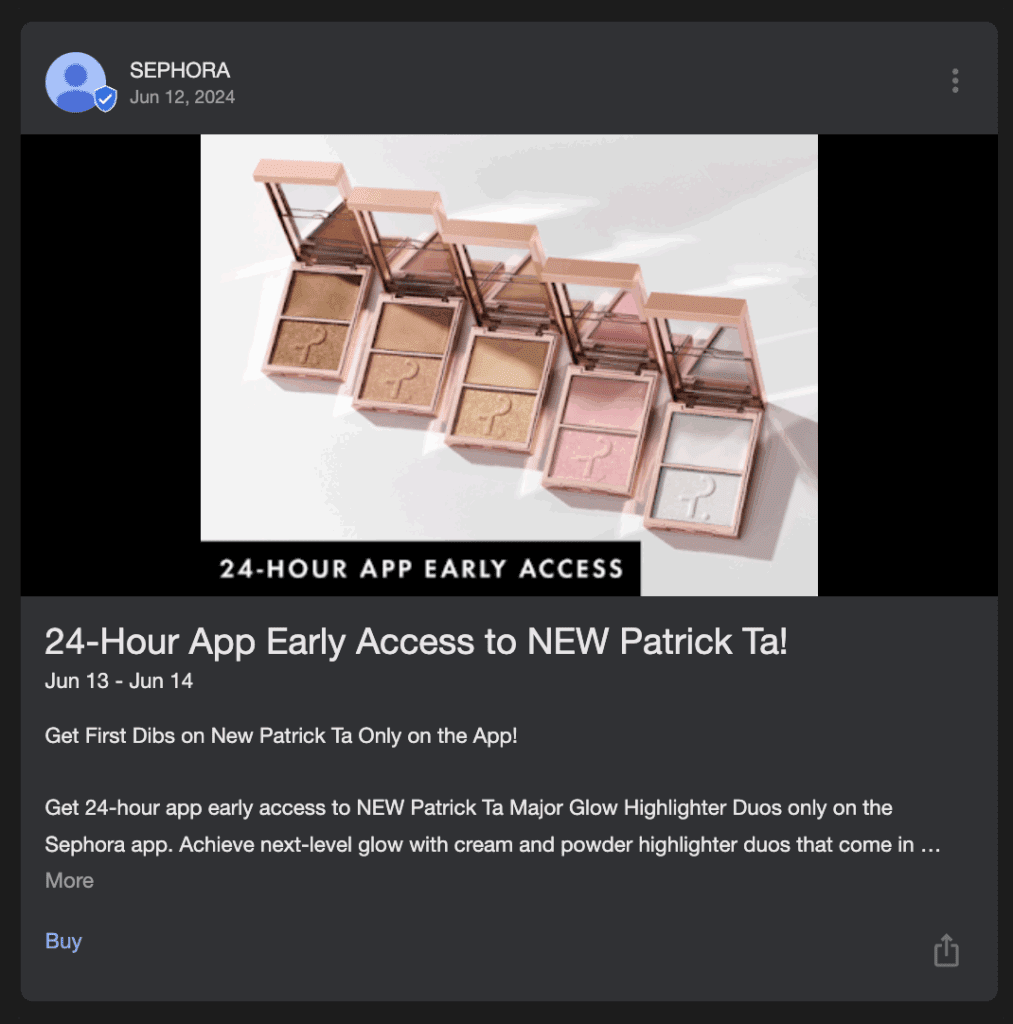
A Google Post is a short update that appears directly on your Google Business Profile (formerly called Google My Business).
It works like a small announcement or mini-ad that customers can see when they view your listing on Google Search or Google Maps.
Businesses use posts to share offers, promotions, events, product updates, and important news that customers should see immediately.
Google Posts help potential customers learn more about your business before they even click to visit your website.
Because these posts appear at the exact moment someone is deciding whether to call, visit, or book, they can directly influence buying decisions.
They also refresh your profile, which Google sees as a sign that your business is active and trustworthy.
Businesses prefer Google Posts because they:
- Display in a high-visibility section of your Google listing
- Help answer customer questions faster
- Show Google that your business is up to date
- Increase clicks, calls, and reviews
Image Size For Google Posts for Businesses
Images are one of the most important elements of Google Posts. Google recommends a 1200 x 900 pixel image size with a 4:3 ratio.
This ensures your photo looks clear and professional on both mobile and desktop. Low-quality images may get cropped or blurred, which can reduce engagement.
A clean, well-lit image helps your post stand out and increases customer interaction.
Photos should be relevant to what you’re posting. If you’re sharing an offer, show the product or service. If you’re announcing an event, include a graphic or promotional image.
The goal is to help customers understand your message in just a few seconds.
Example Google Posts for Businesses
Businesses can publish different types of posts depending on their goals. Each type has its own purpose, and using all of them throughout the month helps create a strong, balanced Google Business Profile.
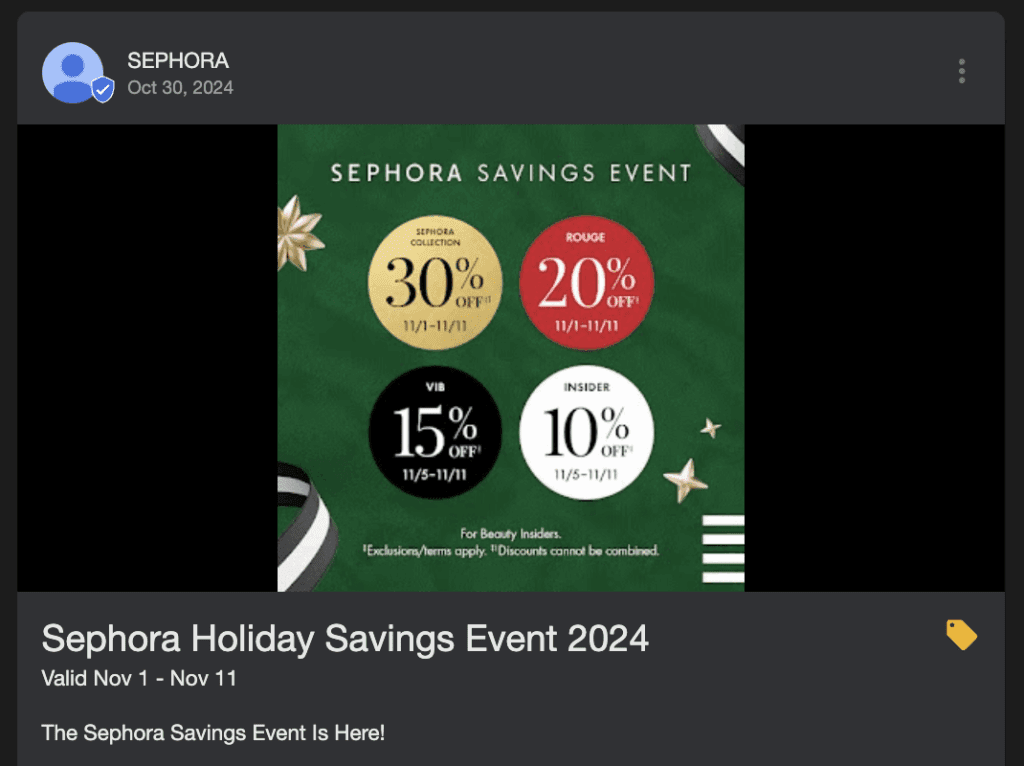
Offer posts
Offer posts are perfect for promoting discounts, coupons, or limited-time deals. These posts allow you to set a start and end date, add terms and conditions, and share coupon codes.
A strong offer post can push customers to act immediately. For example, “15% off all services this weekend only” gives people a reason to choose your business right away.
What’s new posts
These posts are for general announcements. You can share updates about your business, introduce new products, talk about staffing changes, or highlight improvements.
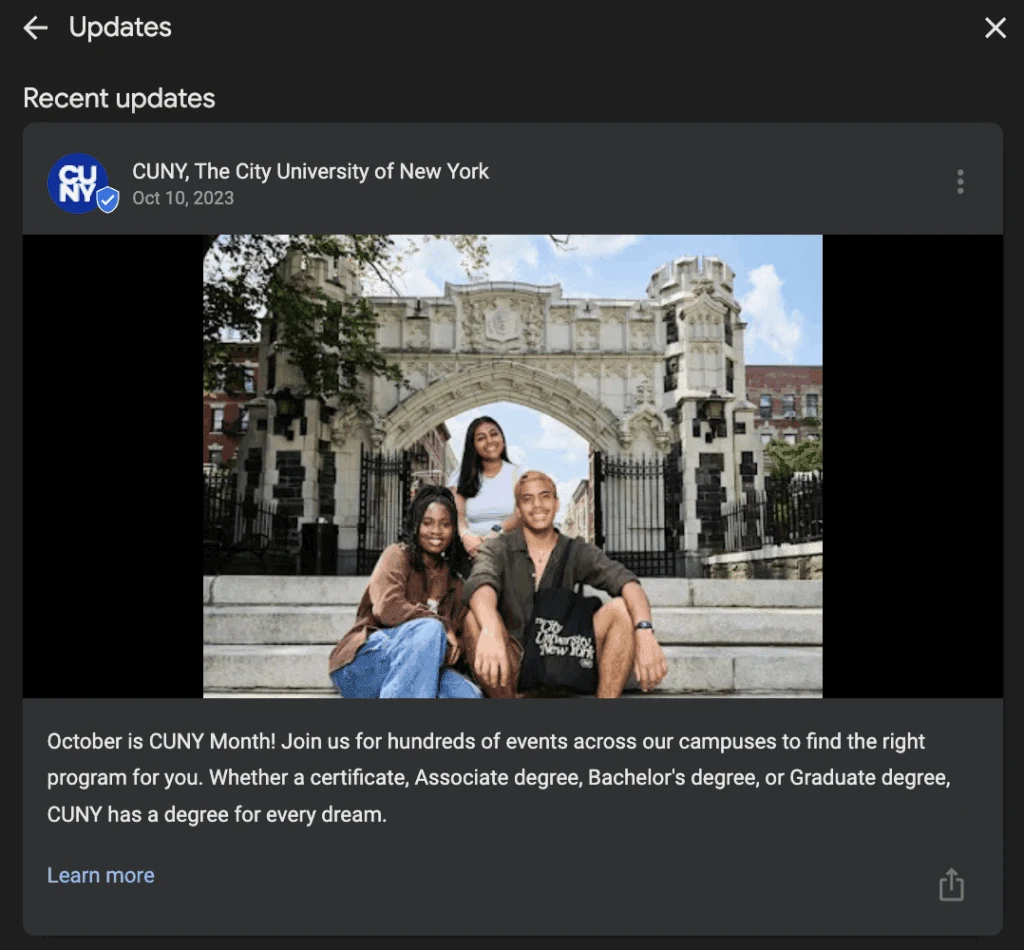
A “What’s New” post helps customers stay informed and gives your profile a sense of activity and growth.
For instance, if you added a new menu item or upgraded equipment, this is a great place to share it.
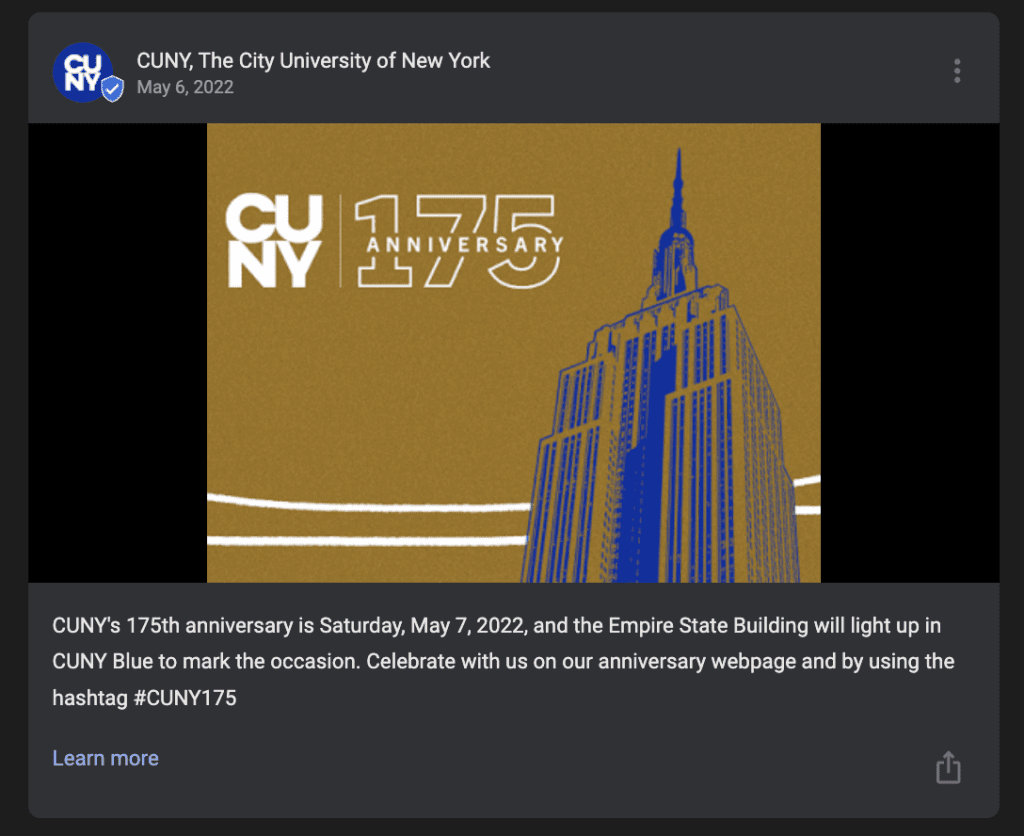
Event posts
Event posts allow you to promote upcoming classes, workshops, celebrations, webinars, or in-store activities.
These posts include start and end times so customers know exactly when the event happens.
Event posts are especially useful for gyms, studios, restaurants, and service providers who host seasonal or ongoing events.
Product posts
Product posts highlight a specific product or service you offer. You can include a product description, pricing, features, and a call-to-action button.
These posts help customers understand what you sell right from your profile.
For example, a salon could create a product post about a new conditioning treatment or hair service package.
Additional post ideas
Businesses can also create posts for seasonal reminders, how-to tips, customer reviews, and important notices.
Sharing a mix of content keeps your profile fresh and makes your listing more helpful for customers.
How To Create A Google Post on your Google Business Profile
Creating a Google Post is simple. Start by logging into your Google Business Profile and going to the Posts section.
From there, choose the type of post you want to create. Add your text, image, button, and any additional details such as dates or links.
After reviewing the content, click publish and your post will appear on your Business Profile within minutes.
Looking For Google Reviews? Claim your Discount Below
 8,492 people used this service in the past 7 days

Posts typically stay visible for seven days, except event and offer posts, which stay active as long as the date range is valid.
Because of this, many businesses post weekly to keep their profiles active and engaging.
Google prefers updated profiles, so posting consistently helps improve your visibility and ranking.
How To Write Engaging Google Business Profile Posts
Writing strong Google posts is important because customers read them right when they are deciding whether to take action.
You want your text to be clear, helpful, and persuasive. Short posts with direct language work best.
Focus on what customers want to know and how your business can help them. Since most people scan content quickly, keep each post focused on one main message.
1. Include relevant information
Make sure your post answers the customer’s immediate questions. If you’re promoting a sale, include the discount amount, the dates, and any requirements.
If you’re sharing an announcement, include enough detail so customers understand why it matters.
Posts that share useful information perform better because customers trust businesses that communicate clearly.
2. Share quality updates
Only post content that benefits your customers. Updates about your services, operating hours, new products, or improvements help build trust.
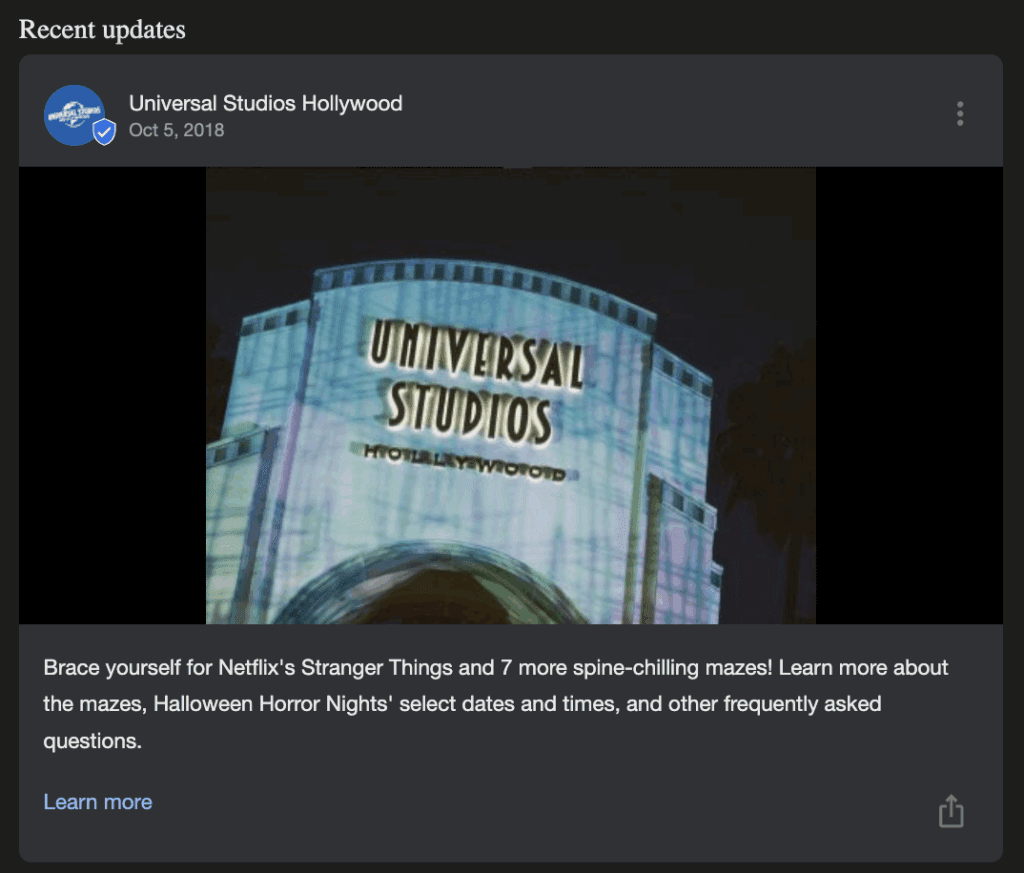
Customers appreciate when businesses stay open and transparent.
Quality updates also show Google that your business is active, which can boost your ranking.
3. Add high-quality images or videos
Always use clear and relevant images. Visuals help customers understand your message and grab their attention. If possible, use original photos of your business, products, or staff.
This adds authenticity and helps customers form a positive impression. Videos work well too, especially for showcasing products or behind-the-scenes moments.
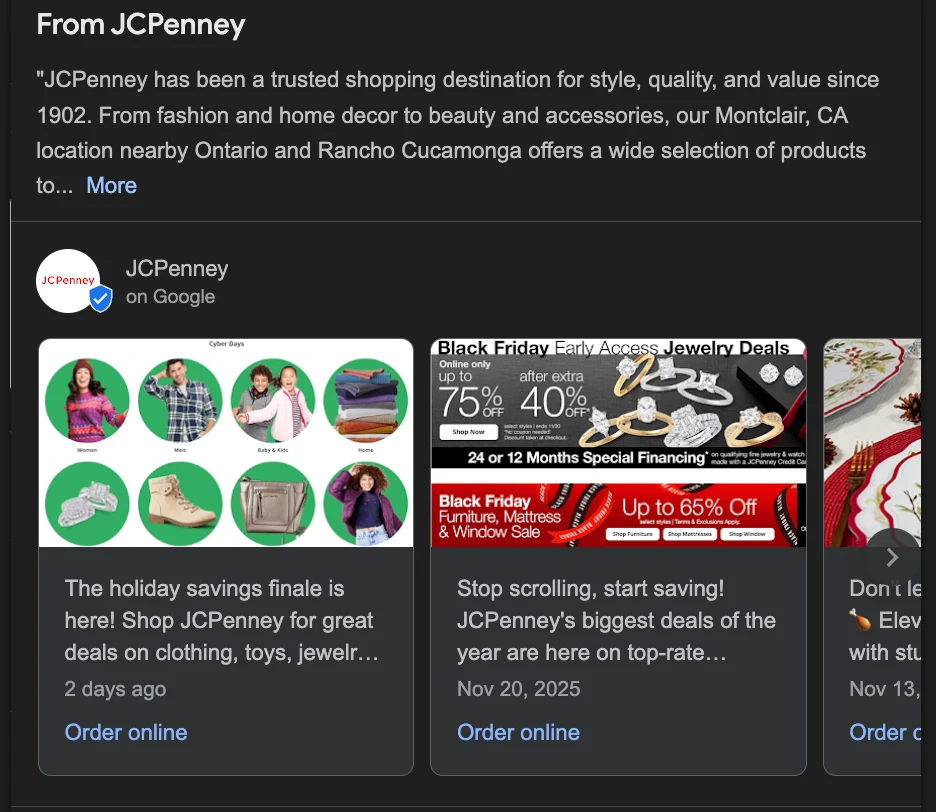
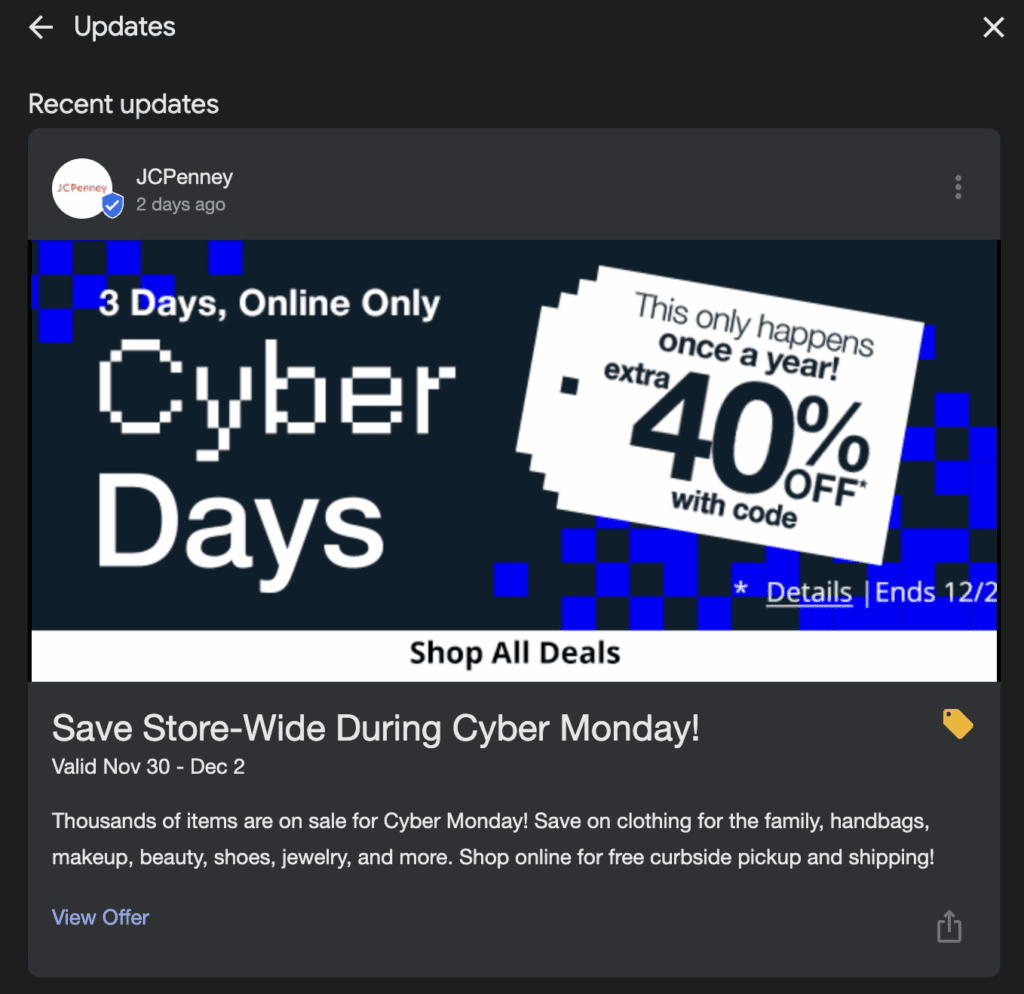
Here you have a high quality image from JCPenney that also stands out for it’s clear offer. There’s also a button where customers can click to access the offer.
4. Keep the post length short
Short posts perform better because customers scroll quickly. Aim for one or two short paragraphs. Focus on one key message instead of trying to cover too much at once.
Google Posts are meant to be brief highlights, not long articles.
5. Include keywords in your post
Using natural keywords helps your post appear for relevant searches.
For example, adding “affordable HVAC repair” or “Chicago bakery specials” helps Google connect the post to what people are searching for. Avoid keyword stuffing and keep the language natural.
6. Link to relevant web pages
Add a link if it helps customers learn more. For example, link to your booking page, product page, coupon page, or event registration page.
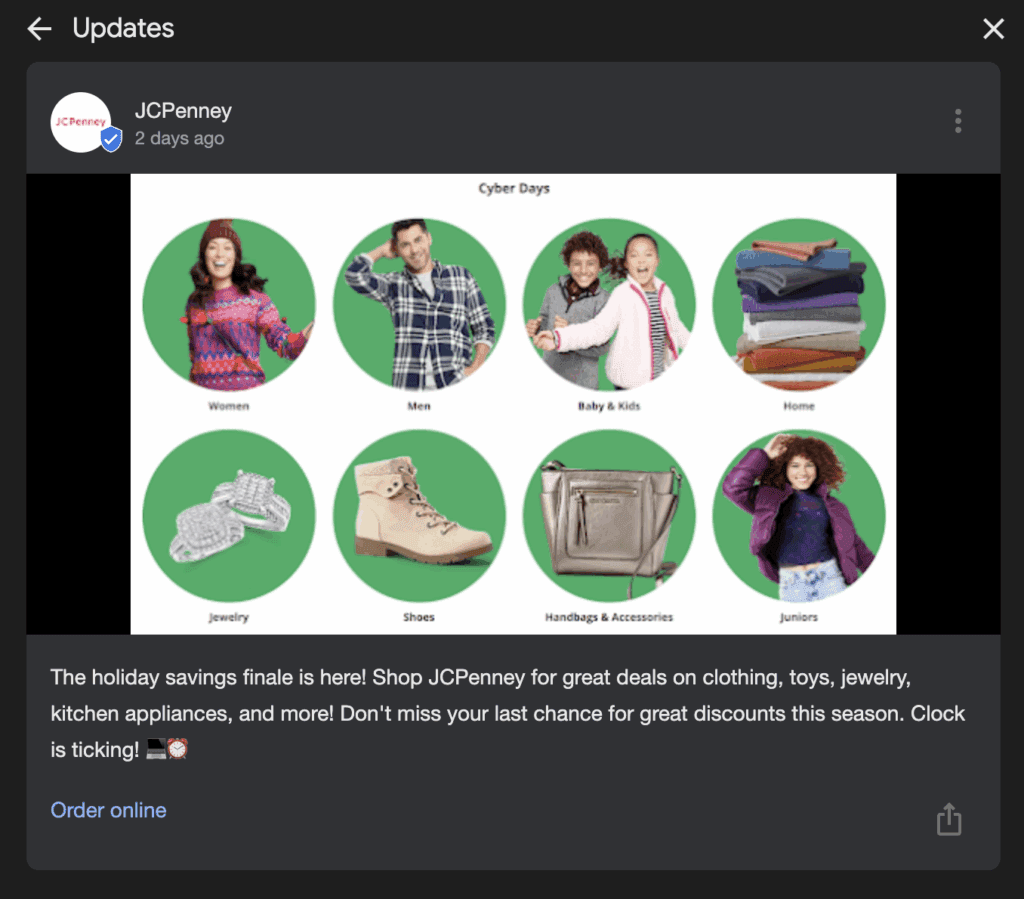
Buttons like “Learn More,” “Sign Up,” or “Order Online” help users take action quickly. Linking also improves traffic to your website and supports your SEO strategy.
7. Proofread before publishing
Before posting, double-check for grammar errors, typos, or outdated information. A clean, polished post gives a professional impression and increases customer trust.
Even small mistakes can make your post look rushed and lower engagement.
Frequently Asked Questions
How do I find my posts on Google?
You can find your posts inside your Google Business Profile dashboard under the Posts tab. Customers see them on your public listing when they view your business on Google Search or Google Maps.
What is a Google post?
A Google post is a short update businesses publish on their Google Business Profile to share offers, events, products, or announcements.
How do I make a Google post?
Log into your Google Business Profile, go to Posts, choose a post type, add your image and text, and click publish. Your post appears on your listing immediately.
Where do Google posts appear?
Google Posts appear directly on your Business Profile in Google Search and Google Maps. They are shown in the updates section where customers can scroll to view past posts.
Do Google My Business posts help SEO?
Yes, posting consistently can help your ranking. Google rewards active profiles, and posts improve engagement, which supports your local SEO and visibility.
Where do Google My Business posts appear in search?
They appear within your Business Profile panel on desktop and mobile search results, often visible right under your business details.
Can I schedule Google posts?
Yes, you can schedule posts using third-party tools or certain Google Business Profile management platforms.
Can I share links to posts?
Google does not provide direct share links for posts, but you can screenshot or repurpose the content to share on social media or in newsletters.
Conclusion: Google Posts
Google Posts are one of the simplest and most effective ways to improve your visibility, strengthen your Google Business Profile, and connect with customers in real time.
By posting consistent updates, sharing offers, adding high-quality images, and focusing on helpful content, you can make your business look more active and more trustworthy.
This leads to more clicks, more calls, more Google reviews, and better Google rankings.
In an online world where customers make decisions fast, Google Posts help your business stand out at the exact right moment.