Ultimate Guide to Google Business Profile Optimization in 2026
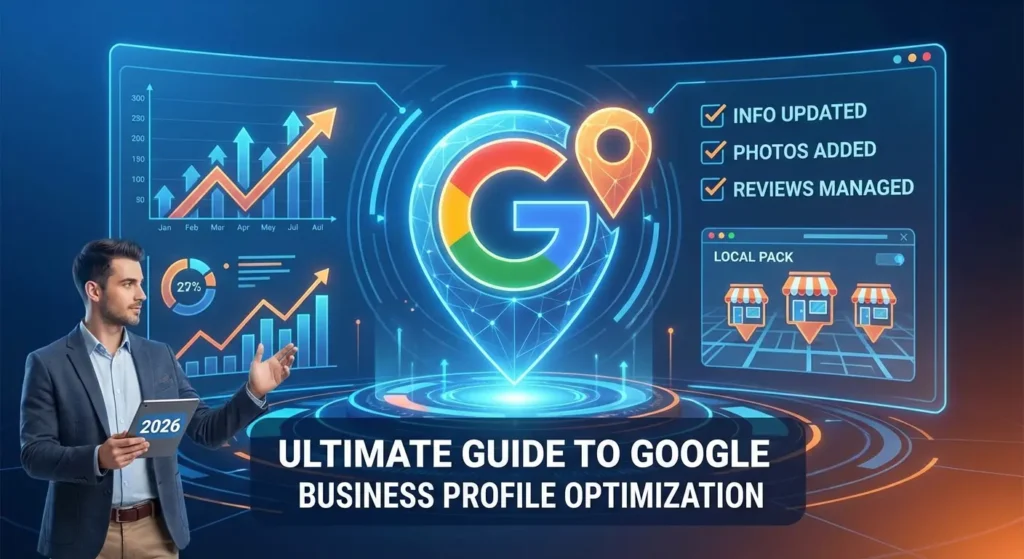
Google business profile optimization is the exact process of updating and managing your local listing so it ranks higher when people search for your services. If you recently followed the steps on how to create a Google Business Profile, you have only completed the first phase.
Simply having an account does not mean Google will show it to potential customers. You have to actively fill out every section and maintain the profile over time to appear in the local pack, which is the section of search results that shows a map and three local businesses.
This comprehensive guide explains exactly how to optimize Google Business Profile settings so you can attract more local search traffic and increase your revenue.
Table of Contents
Why Google Business Profile Optimization is Your Most Powerful Local SEO Tool
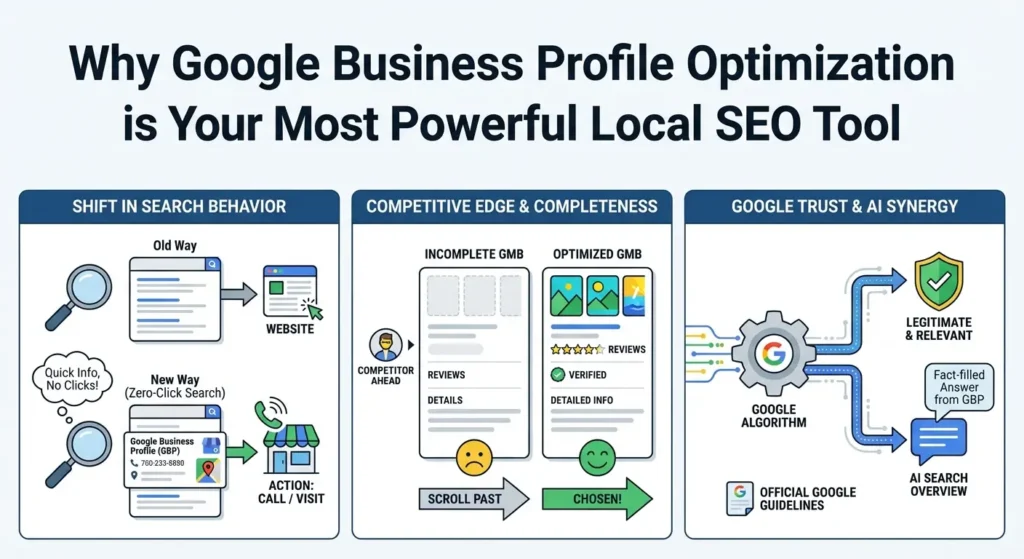
Search behavior has changed significantly. Today, a large percentage of local searches end without the user ever clicking on a website. They look at the search results, find a phone number or address on a Google listing, and take action immediately.
If your GMB listing lacks information, photos, or reviews, the user will scroll down to a competitor who provides a complete profile.
Google uses your profile to determine if your business is legitimate and relevant to what the user is typing into the search bar. The more details you provide directly to Google, the more confident the search engine is in showing your business to local users.
A fully optimized profile also interacts well with new AI search overviews, which often pull facts directly from your business listing to answer user questions. For more details on how Google evaluates local information, you can read the official Google guidelines for representing your business.
How to Optimize Your Google Business Profile: The 2026 Checklist
To learn how to rank higher on Google Maps, you need to go through every section of your dashboard and complete it accurately. Here are the specific steps you need to take.
1. Lock Down Your NAP Consistency and Core Information
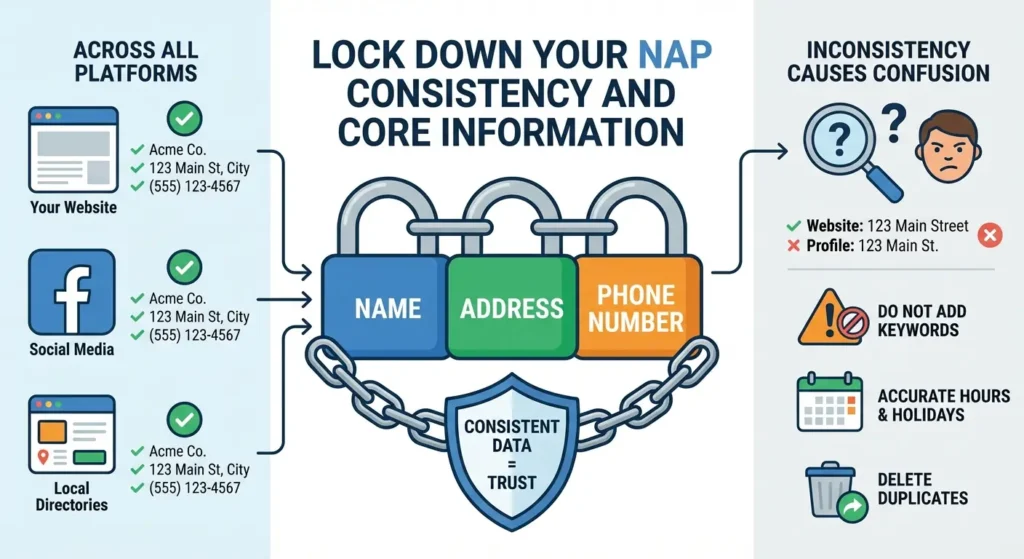
Your business name, physical address, and phone number form your NAP data. This information must be exactly the same on your Google profile, your website, your social media accounts, and any local directories.
Search engines look for consistent contact information to verify that your business is real. If you use “Street” on your website but “St.” on your profile, it can cause confusion.
Enter your actual, legal business name. Do not add extra keywords to your name because Google can suspend your account for this practice. Ensure your operating hours are completely accurate.
If you are closed on specific holidays, update your profile weeks in advance. Users get frustrated if a profile says a business is open when it is actually closed.
In cases where your business has moved multiple times or you have duplicate profiles causing errors, you may need to learn how to delete a Google Business Profile to clean up the bad data and start fresh with correct information.
2. Master Categories and Attributes for AI Search
Your business category is one of the strongest local search ranking factors. Google allows you to select one primary category and up to nine secondary categories.
The primary category has the biggest impact on your ranking. You need to choose the most specific category available. For example, choose “Emergency Plumber” instead of just “Plumber” if that is your main focus.
After setting categories, you need to select attributes. Attributes are the specific details that show up as tags on your profile, such as wheelchair accessible, free Wi-Fi, veteran-owned, or offers same-day delivery.
Fill out every single attribute that accurately applies to your business. Users often filter their map searches using these specific traits, and having them selected ensures you stay in the search results when those filters are applied.
3. Write a Conversion-Focused Business Description
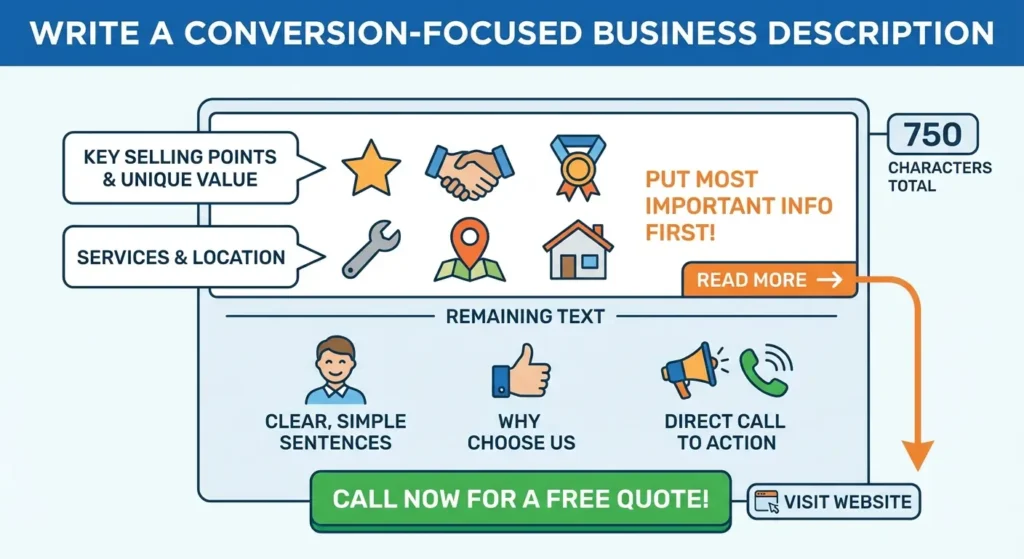
You have 750 characters to write your business description. This section does not directly impact your search rankings through keywords, but it heavily impacts whether a user decides to contact you.
You must put your most important selling points in the first 250 characters because the rest of the text is hidden until the user clicks the read more button.
Write in clear, simple sentences. State exactly what services you provide, the specific cities or neighborhoods you serve, and why a customer should choose you over the competition.
End the description with a direct instruction, telling the user to call your number or visit your website for a free quote.
4. Elevate Visuals: Geotagged Photos and Video Content
Listings with high-quality photos receive significantly more requests for directions and website clicks than listings without photos. Do not use stock photography.
Google algorithms can detect stock images and they provide zero value to your profile. You need to take real pictures of your building’s exterior, the interior of your office or store, your staff working, and the products you sell.
Before uploading your photos, it is a good practice to use geo-tagging. This means adding your specific latitude and longitude coordinates into the image file data. While the direct ranking benefit is debated, it provides another layer of location data to Google.
Upload your images in JPG or PNG format, keeping the resolution around 720 by 720 pixels. You should also upload short, 30-second videos showing your location or explaining a service, as video content keeps users on your profile longer.
Looking For Google Reviews? Claim your Discount Below
 8,492 people used this service in the past 7 days

5. Treat Products and Services as Mini-Landing Pages
Many business owners skip the products and services tabs, which is a major mistake. If you offer services, list every single one of them. Google gives you space to write a description and list a price for each service.
Writing a 300-word explanation for each service helps Google understand exactly what you do. If you sell physical products, upload them to the product tab with clear photos, exact pricing, and a button that links directly to the checkout page on your website.
This section acts as a visual menu right on the search results page, allowing users to browse your inventory before they even click on your website link.
6. Manage Customer Reviews and Build Your Reputation
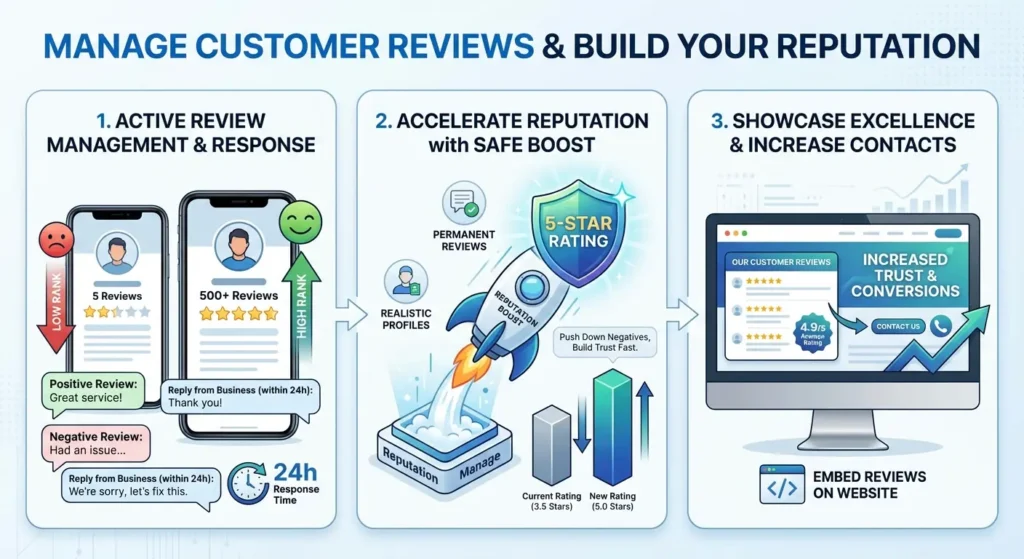
Customer reviews are essential for local SEO. A profile with hundreds of positive reviews will almost always outrank a profile with five reviews, even if the other profile is closer to the user. You need to actively ask every satisfied customer to leave a review on your profile.
You must also respond to every single review, both positive and negative, within 24 hours. Responding shows Google that you are an active business owner who cares about customer service.
We understand that getting real customers to leave reviews takes a long time, and a few negative reviews from competitors can ruin your rating. To fix this quickly and improve your local ranking, you can buy Google reviews directly from Reputation Manage.
We provide permanent, safe, 5-star reviews from realistic profiles that stick to your account. Buying reviews is an effective method to increase your overall rating, push down negative comments, and convince local searchers that your business is the most trusted option in your area.
Once your profile is filled with excellent feedback, you should show it off. You can read our guide on how to embed Google reviews on website pages to display your 5-star rating to everyone who visits your site, which increases the chance they will contact you.
7. Use Google Posts for Hyperlocal Relevance
Google Posts function like social media updates that appear directly on your search listing. You can create posts for general updates, special offers, or upcoming events.
These posts keep your profile looking fresh and active. Write posts that mention local events, nearby landmarks, or specific neighborhood names to increase your local relevance.
You should aim to publish a new post at least once a week. Add an image to every post and always include a button that links back to a specific page on your website. Managing weekly Google Posts requires consistency.
If you need a broader strategy to handle your updates across multiple platforms at once, our social media growth services can help you build an audience and drive traffic from various networks directly to your business.
Advanced Strategies for Google Maps
If you want to track exactly how well your optimization is working, you need to use UTM parameters. A UTM parameter is a short piece of text you add to the end of your website link inside your Google profile.
When a user clicks your website button on Google Maps, the UTM link tells your Google Analytics account exactly where that traffic came from. Tracking your traffic allows you to see how many actual website visitors and sales are coming from your local listing.
Another advanced tactic is turning on the messaging feature. Google allows users to send text messages directly to your business through your profile.
Enabling this feature puts a chat button on your listing. You must reply to these messages quickly. If you ignore messages, Google will turn the feature off and it can negatively impact your profile’s performance.
Tracking Your Success: Metrics That Matter
To see if your optimization efforts are working, check the performance section of your Google Business dashboard every month. Look closely at the number of map views versus search views.
Track how many people clicked the call button, requested driving directions, or clicked through to your website. If your views are going up but your calls are not, you likely need to improve your business description or add better photos to convince people to take action.
Frequently Asked Questions
How long does it take to see results from Google Business Profile optimization?
It usually takes two to four weeks for Google to process your updates and adjust your position in the local search results.
However, reaching the top three spots in the local pack is a long-term process. You need to consistently add new photos, publish weekly posts, and gather new reviews every month to maintain high rankings.
Can I rank higher on Google Maps if I do not have a physical storefront?
Yes, you can rank well as a Service Area Business. Plumbers, electricians, and mobile detailers do not need a public address.
You can hide your physical address in your profile settings and instead select the specific cities, zip codes, and counties where you provide services. Google will show your listing to users who search from within your defined service area.
How often should I update my Google Business Profile?
You should log into your profile at least once a week. During this weekly check, you should respond to any new reviews, reply to customer questions in the Q&A section, publish a new Google Post, and upload one or two new photos of your recent work. Regular activity proves to the search engine that your business is currently operating.
Does my website affect my Google Business Profile ranking?
Yes, your website has a major impact on your map ranking. Google scans your connected website to verify the information on your profile.
If your website loads quickly, mentions your local city frequently, and has detailed pages for all the services listed on your profile, Google will rank your map listing higher. Poor website SEO will hold your local profile back.