Why Is My Google Business Not Showing Up? (And How to Fix It Fast)
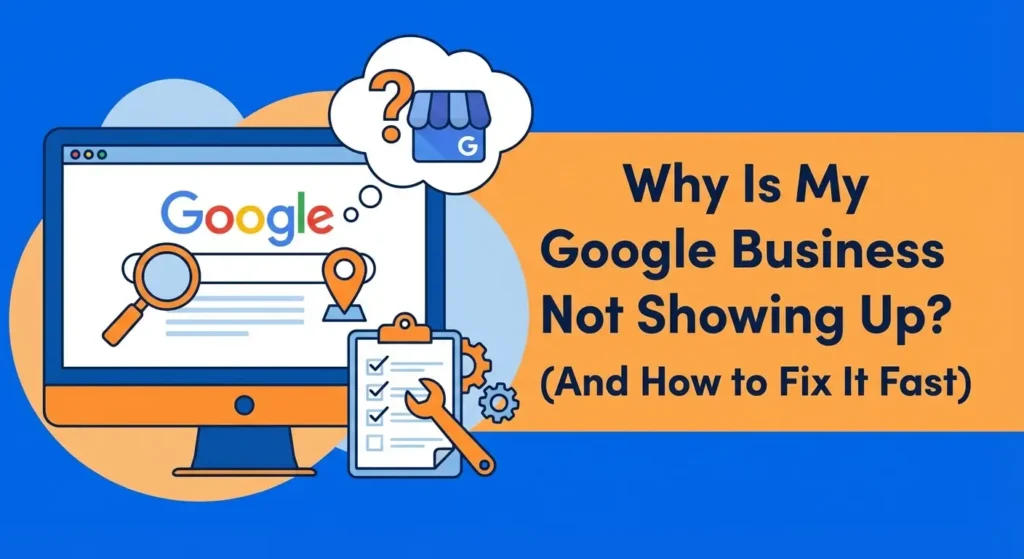
Wondering why is my Google Business not showing up? You have put in the time and effort to establish your company, but when you search for your services online, your business is nowhere to be found. This is a very real problem that directly affects your daily revenue and customer acquisition.
Before you can fix the issue, you need to understand that local search visibility relies on a mix of technical profile setup and ongoing local search optimization.
If you have not even started the process yet, you should first read our foundational guide on how to create a Google Business Profile to make sure the basics are covered.
If you already have a profile and it is missing from search results, the issue usually comes down to missing information, guideline violations, or simply being outranked by older, more established competitors in your area.
This guide will walk you through exactly how to diagnose the problem and fix your local visibility.
Table of Contents
Are You Actually Not Showing Up, or Just Ranking Low?

The first step is figuring out if Google has completely removed your profile or if you are simply ranking too low for customers to see you. There is a major difference between being de-indexed and just having poor local search visibility.
To test this, open a private or incognito browsing window and search for your exact business name along with your city. If your profile appears on the right side of the desktop screen or at the top of mobile search, your listing is active and indexed.
It just means you are ranking poorly for broad service terms. If you search for your exact name and city and still see nothing, your profile is likely unverified, suspended, or disabled.
Understanding this difference tells you exactly what to fix. If the profile exists but ranks poorly, you need to focus on optimization and customer feedback. If it does not exist at all, you have a technical or compliance issue to resolve first.
The 7 Real Reasons Why Your Google Business Profile Is Not Showing Up
If your business is struggling to gain visibility, one of the following seven issues is almost certainly the cause.

1. Your Google Business Profile Isn’t Claimed or Verified
Google will not publicly display a business profile to searchers until the owner proves they actually manage the location. If you recently created your listing, it will remain hidden until you pass the verification process.
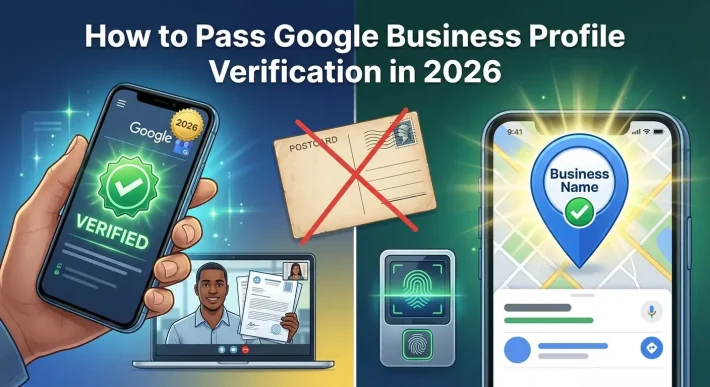
Verification usually requires receiving a postcard at your physical address, recording a video of your workspace, or receiving a text message. If you skip this step, your listing sits in a pending state indefinitely.
You can read more about exactly how to complete this process in our guide to Google Business Profile verification. Always confirm your verification status in your Google dashboard before worrying about any other ranking factors.
2. Your Profile Has Been Suspended
Google has strict rules for how businesses represent themselves on Maps. If you violate these rules, your profile will be suspended and instantly removed from public view.
Suspensions usually happen because a business tries to add search terms into their business name, creates multiple listings for the same location, or uses a P.O. Box as their primary address.
You will normally see a red notice in your dashboard if this happens. To understand what triggers these penalties and how to avoid them, review our detailed breakdown of Google review policy violations.
You will need to submit a reinstatement request with proof of your business registration to get the profile back online. For the official guidelines, you can also check Google’s policies for representing your business.
3. Incorrect Address or Service Area Settings
Many business owners wonder why my business is not showing in google when they operate as a mobile service. Plumbers, electricians, and mobile detailers often hide their physical address because they travel to the customer.
If you hide your address, you must correctly configure your service areas. If you fail to add the specific cities or zip codes you serve, Google does not know where to display your business in search results.
Furthermore, if your service area is set too large, such as an entire state or country, Google will view your profile as spam and reduce your visibility. Keep your service area confined to a two-hour driving radius from your main location.
4. You Lack Customer Reviews (The Trust Factor)
Google wants to show its users the most trusted, highly-rated businesses in their area. If your profile is active but you have zero reviews, or a very low star rating, Google will push your listing to the bottom of the results. Your competitors with dozens or hundreds of reviews will always show up first.
Building this trust factor takes time, but it is necessary for visibility. If you are struggling to get your first few customers to leave feedback, you can accelerate the process. You can buy Google reviews from reputationmanage.co to establish an initial base of social proof.
Having a solid star rating signals to Google that your business is active and liked by the community, which directly improves where you show up in the map pack. Learn more about how to safely boost your profile when you buy Google reviews through our specialized service.
5. Inconsistent Information Across the Web (NAP Issues)
Search engines look at the entire internet to verify that your business is legitimate. They check your Name, Address, and Phone number (often called NAP) on sites like Yelp, Facebook, Apple Maps, and local directories.
If your business name or address is spelled differently across these websites, Google loses confidence in your data. For example, if your Google listing says “Main Street” but your Yelp profile says “Main Ave,” this inconsistency hurts your trust score.
Looking For Google Reviews? Claim your Discount Below
 8,492 people used this service in the past 7 days

You must audit all of your online directories and make sure every single mention of your business matches your Google profile exactly. This is a foundational part of Google Business Profile SEO that many business owners overlook.
6. Your Profile Is Barely Being Used (Low Engagement)
Google tracks how often you update your profile and how often customers interact with it. An abandoned profile that has not been updated in two years will not show up when local customers search for your services.
To fix this, you need to actively manage the listing. Upload new photos of your work every week, respond to all customer reviews immediately, and use the Google Posts feature to announce sales or new services.
Active profiles receive a ranking boost because Google knows the information is current and helpful to searchers. For a complete strategy on keeping your listing active, read our guide on Google Business Profile optimization.
7. Your Website Doesn’t Support Your Local SEO
Your Google Business Profile is directly connected to the website URL you provide in your dashboard. If your website is slow, lacks content, or does not mention the city you operate in, your Google listing will suffer.
Google scans your website to understand what services you offer and where you offer them. Your website needs a dedicated contact page with your correct address and phone number, and the text on your site must mention your target location.
Leading SEO resources like Moz regularly confirm that the quality of your linked website is one of the strongest ranking factors for the Google map pack.
How to Fix Your Google Maps Visibility Fast (Your Action Plan)

Now that you know the common causes, you need a straightforward process to get your listing visible to customers. Follow these steps in order to correct the problem.
First, log into your account and check for any red alerts regarding verification or suspension. If the profile needs verification, request a new code immediately. If it is suspended, gather your business license and utility bills to submit an appeal.
Second, check your business information for accuracy. Make sure your primary category perfectly describes what your business does. Ensure your hours of operation are correct and that your phone number actually connects to your business.
Third, start building trust and authority. You need consistent positive feedback to convince Google to rank you higher than the business down the street.
Direct your past customers to leave a rating, or use our service to buy Google reviews from reputationmanage.co to get the process moving faster. For more advanced tactics on climbing the ranks once your profile is active, check out our resource on how to rank higher on Google Maps.
Conclusion
Getting your business to show up on Google requires confirming your basic technical setup and consistently managing your online reputation. Make sure your profile is fully verified, free of policy violations, and packed with accurate information.
If you need to quickly establish trust and start climbing the local search results, do not wait for organic traffic to slowly trickle in. Take control of your visibility and buy Google reviews from reputationmanage.co today to give your profile the authority it needs to stand out.
Frequently Asked Questions
Why is my Google Business profile not showing up even though it is verified?
A verified profile simply means you are allowed to be in the search directory. It does not guarantee a high ranking.
If you are verified but not showing up, your business is likely too far away from the person searching, or your competitors have better local SEO and more customer reviews.
You need to focus on optimizing your profile and website to outrank the businesses currently taking up the top spots.
How do I know if my Google Business Profile is suspended?
You will know immediately upon logging into your Google Business dashboard. Google displays a highly visible red banner at the top of the screen stating that your profile has been suspended or disabled due to quality issues.
You will also receive an automated email to the address associated with the account explaining that the listing has been removed from public view.
Does my website affect my Google Business listing visibility?
Yes, your website has a major impact on your listing. Google uses the authority, speed, and content of your linked website to verify that you are a relevant result for local searchers.
If your website clearly lists your services and your location, it provides a massive boost to your Google Maps ranking. If your website is broken or unrelated to your local area, your listing will drop in the rankings.
Why is my business not showing in Google search for specific services?
This usually happens because you have not clearly defined your offerings within the Google Business dashboard.
You need to make sure you have selected the most accurate primary category, as well as relevant secondary categories. You also need to fully populate the “Services” or “Products” tabs in your dashboard.
If Google does not explicitly see that you offer a specific service, it will not show your listing when a customer searches for that exact term.